nogod88f Login — Sign In to Your Account Safely
Mobile or computer — log in to nogod88f from any device in just a few seconds. On this page you will find a step-by-step guide, password recovery instructions, and practical tips for keeping your account secure.
Steps to Log In from Mobile and Computer
Logging in to nogod88f is simple and fast. The same process for both mobile and desktop is explained below.
Go to the site
Type nogod88f.app in your browser or use your bookmarked link. Once the page loads, find the login button at the top right.
Enter your username and password
Type the username and password you used when registering. Keep the Bengali keyboard off and type in English — pay attention to uppercase and lowercase letters.
OTP verification (where applicable)
When logging in from a new device or an unfamiliar location, nogod88f may send an OTP to your registered mobile. Enter it within the given time and you will be logged in.
Reach your dashboard
Once logged in successfully, your account dashboard will open. From here you can go straight to deposits, games, and bonuses.
nogod88f Login
This form is for display only — actual login is completed at nogod88f.app.

What to do if you forget your password
Use the "Forgot your password?" option on the nogod88f login page. Enter your registered mobile number or email and a verification code will be sent — use it to set a new password.
If you cannot remember your password or username
It is common to forget a password after not logging in for a long time or switching to a new device. nogod88f has a straightforward recovery process for this situation.
Recovery via mobile number
An OTP will be sent to the mobile number you used when registering. Enter it within the given time and you will be able to set a new password.
Recovery via email
If your email is verified, a reset link will be sent there. Click the link and follow the instructions to create a new password.
If you cannot remember your username
Contact support with the mobile number or email used at registration. Help in Bangla is available via 24/7 live chat.
If you do not receive the code
If the OTP does not arrive, check your spam folder or wait a moment and try again. SMS may be delayed if the network signal is weak.
Tips to Keep Your Account Secure
Keeping your nogod88f account secure means protecting your deposited funds and personal information. Following the advice below significantly reduces the risk of unauthorised access. Read our Privacy Policy to learn more.
Strong password
Create a password of at least 8 characters using uppercase letters, lowercase letters, numbers, and special characters. Do not use your date of birth or name as a password.
Always keep your OTP private
nogod88f or anyone else will never ask for your OTP by phone or chat. If someone asks for your OTP, do not share it — it may be an attempt at fraud.
Watch out for fake sites
There may be fake sites that look like nogod88f. Before logging in, check that the browser address bar shows nogod88f.app — look for the SSL padlock.
Avoid public Wi-Fi
It is best not to log in to your account from open Wi-Fi at a café or market. Use your own mobile data or home network.
If something seems wrong, contact support right away
If you notice unusual activity on your account, do not delay — report it directly via 24/7 live chat. The issue can be resolved quickly.
Do not share your login details with anyone
Your account is yours alone. It is safest not to share your username and password even with family or friends — doing so also goes against our Terms and Conditions.
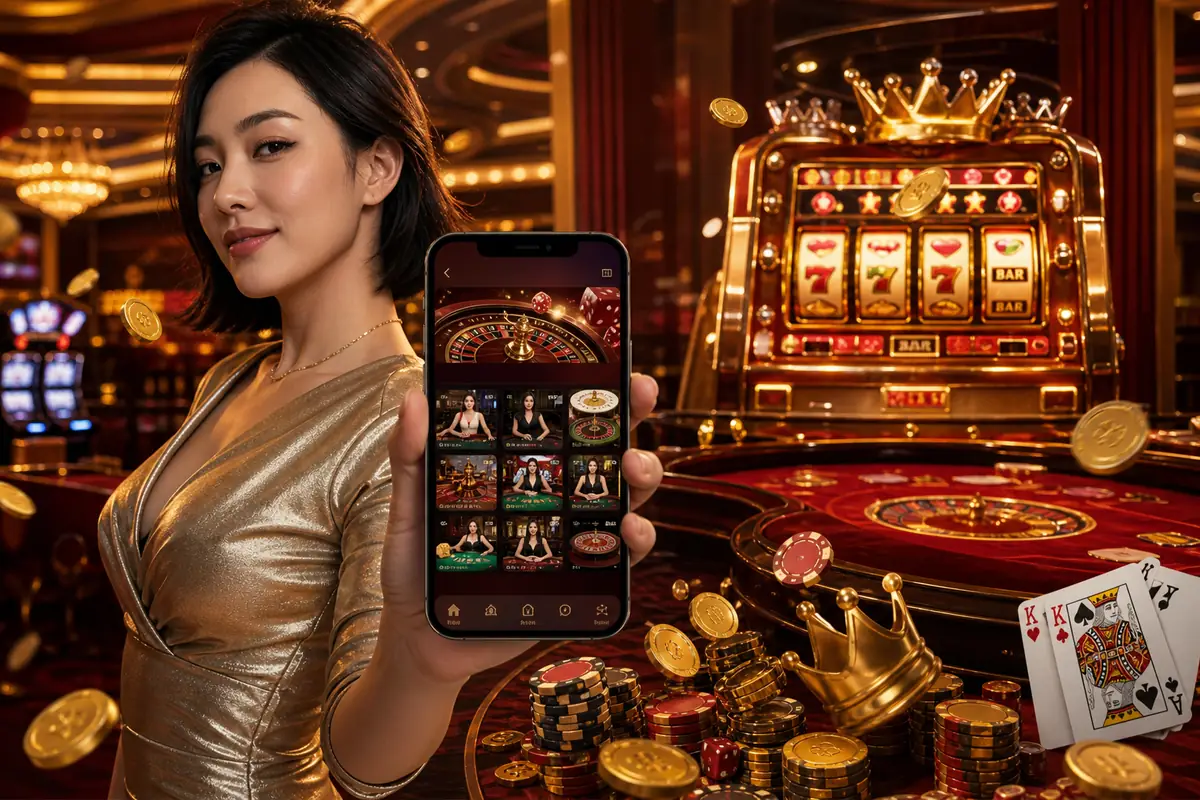
Log In Even Faster on Mobile
Most users in Bangladesh access nogod88f from a smartphone. The site works fully in a mobile browser — there is no need to download a separate app.
Open nogod88f.app in Chrome or Firefox and use the "Add to Home Screen" option so the site works like an app. Next time, open it directly from the icon — if your username is saved, logging in will be even faster.
After logging in, you can head to nogod88f Casino for live casino games or visit the Slots section — both run perfectly on mobile.
Common Login Issues and Solutions
If you have trouble logging in, check the table below. Most issues can be resolved on your own.

If the issue persists, contact support
If the steps above do not help, speak directly in Bangla with nogod88f's 24/7 live chat. You will receive prompt and effective assistance.
Remember to play responsibly
Playing on nogod88f is for ages 21+. Before logging in, read the Responsible Gaming guidelines and set your own limits.

Start Playing After Logging In
After successfully logging in to nogod88f, your first deposit gets you a 150% bonus, up to ৳15,000 — wagering requirement is 10 times the bonus amount. For example: deposit ৳1,000 and receive a ৳1,500 bonus, giving a total balance of ৳2,500 with a wagering requirement of ৳15,000.
Deposit with bKash, Nagad, Rocket, or Upay — starting from a minimum of ৳200. Withdrawals are generally processed within 5–30 minutes. Everything from cricket betting to live casino is now open to you.